TROLL Jail Hug Tower Guides
Walkthroughs for climbing, escaping, gear, and badges.
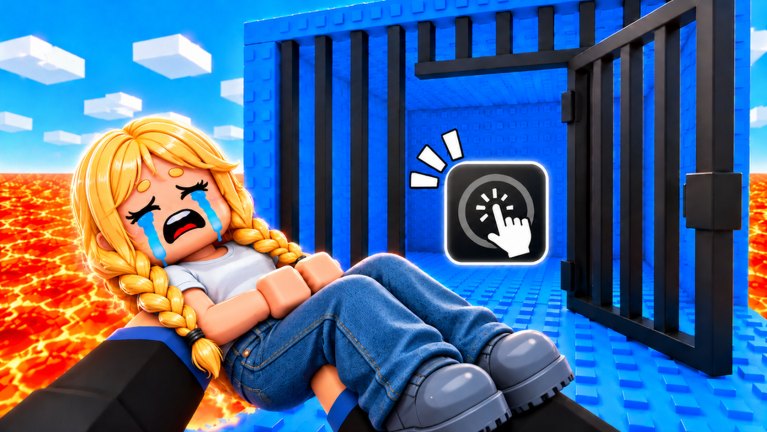
Welcome to the Guides Hub for TROLL Jail Hug Tower, the Roblox grab-and-toss tower from 1 CCU Tower Studio. Every tutorial on this wiki starts here. Whether you need a first-hour checklist, a jail lockpick refresher, a tools buy order, or a Rainbow Carpet summit plan, pick a guide below and follow the internal links for deeper systems.
This experience mixes classic tower obby jumps with player-versus-player hugging. You can toss rivals into lava or lock them in jail cells, and they can do the same to you. Guides exist because the social layer creates questions Steam-style single-player walkthroughs never cover: when to hug, how to escape, which free tools matter, and how to finish without spending Robux.
Start here if you are new
- Getting Started — core loop, first ten minutes, badge overview, and a basic overview video.
- Controls — PC, mobile, and console inputs for hug, throw, and escape.
- Free Rewards — group Speed Coil and end-of-tower Rainbow Carpet claims.
Complete those three before you open the Robux store or any script menu.
Skill guides
- How to Escape Jail — lockpick timing, boxes, and the Escaped Jail badge route.
- How to Reach the Top — quiet lanes, coil usage, and final stretch campers.
- Badges — Joined freebie plus how to farm Escaped Jail fairly.
- Tools & Gear — coils, carpets, hammers, animations, and Admin passes explained.
These pages cross-link heavily because every summit attempt eventually tests your escape skill and your kit.
How to use this hub
Read top to bottom on day one, then treat the hub as a map. After a patch, jump to Updates first, then return to the guide that matches what changed (controls, jail, rewards, gear). When you need spending advice, open the Tier List. When you need promo strings, open Codes. Optional executor tools live under Scripts with clear risk language.
What each guide solves
| Player question | Guide |
|---|---|
| How do I play? | Getting Started |
| What buttons do I press? | Controls |
| How do I leave jail? | Escape Jail |
| How do I finish for the carpet? | Reach the Top |
| What is free? | Free Rewards |
| What tools should I use? | Tools & Gear |
| How do badges work? | Badges |
| What should I buy? | Tier List |
| Are there codes? | Codes |
Content standards on this wiki
- Every guide aims for practical steps you can try in the next match.
- Internal links use trailing slashes and descriptive anchor text.
- At most one YouTube embed per page, placed mid-article when a real video exists.
- We distinguish this place ID from look-alike hug towers so rewards and scripts stay accurate.
Suggested learning path (one evening)
- Claim the free Speed Coil via Free Rewards.
- Run the drill at the end of Controls.
- Attempt a mid-tower climb from Getting Started.
- Intentionally practice one jail escape and read Badges.
- Go for a carpet finish using Reach the Top.
- Review gear choices on Tools & Gear before any Robux spend.
- Skim playstyles on the Players Hub.
Extra resources
- Official Links — Roblox place and group
- Updates Hub — launch timeline and patch tracker
- Scripts Hub — only if you accept ban risk
New guides will appear here as the studio adds modes, endings, or seasonal events. Check back after major description changes on the Roblox page.
Frequently Asked Questions
Quick answers for climbers, trolls, and badge hunters.
Which guide should I read first?
Start with Getting Started, then Controls and Free Rewards. Add Escape Jail and Reach the Top once you understand the hug loop.
Do these guides work on mobile?
Yes. Mechanics are the same; the Controls guide calls out touch-specific tips for hug buttons and lockpick UI.
Are the guides official?
No. This is an unofficial fan wiki. Always confirm rewards on the Roblox game page and group wall.
Where do I go after finishing all guides?
Use the tier list for purchases, track codes after events, and skim Updates whenever the tower receives a patch.